AHT20+BMP280温湿度气压模块 HomeAssistant 接入代码(EspHome)
AHT20+BMP280温湿度气压模块
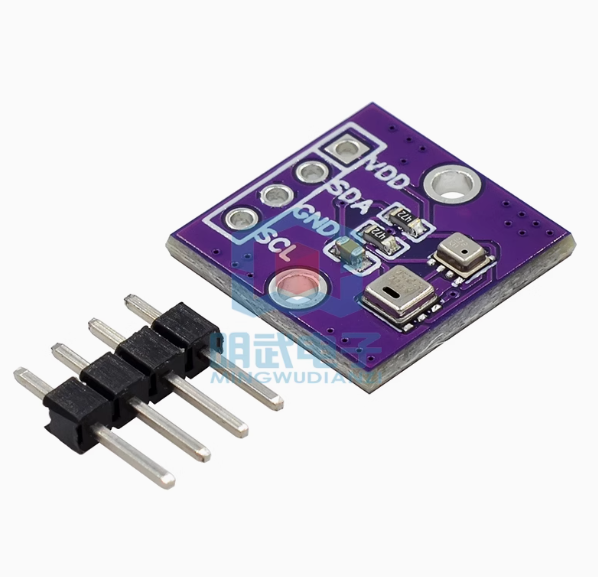
AHT20+BMP280温湿度气压模块
output:                                //定义输出组件
                                       //下面定义模拟按下按键的输出IO
  - platform: gpio
    pin: 05                            //使用的IO
    id: key1                           //定义下面button调用的id
    inverted: True
  - platform: gpio
    pin: 04
    id: key2
    inverted: True
button:                               //定义模拟按下的按键
  - platform: output
    name: "1 雾化开关"
    internal: false                  //定义是否仅内部使用,修改为true将不在ha界面中显示。
    output: key2                     //使用的输出id
    duration: 100ms                  //模拟按多久。
  - platform: output
    name: "2 雾化连续选择"
    internal: false                 //定义是否仅内部使用,修改为true将不在ha界面中显示。
    output: key1                    //使用的输出id
    duration: 100ms                 //模拟按多久。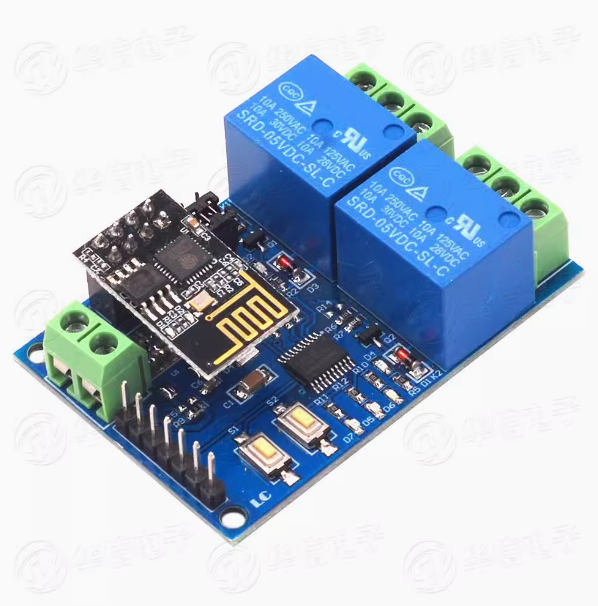
uart:                                    //定义uart总线
  baud_rate: 115200                      //定义uart波特率
  tx_pin: GPIO1                          //定义tx接入IO
  rx_pin: GPIO3                          //定义rx接入IO

  debug:
    direction: BOTH
    dummy_receiver: false
    after:
      delimiter: "\n"
    sequence:
      - lambda: UARTDebug::log_string(direction, bytes);

switch:                                 //定义开关
  - platform: template
    id: relay1                          //自定义开关ID(后面代码要用到)
    optimistic: false
    turn_on_action:
      - uart.write: [0xA0, 0x01, 0x01, 0xA2]
    turn_off_action:
      - uart.write: [0xA0, 0x01, 0x00, 0xA1]

  - platform: template                 //定义类型
    id: relay2                         //自定义开关ID(后面代码要用到)
    optimistic: true
    turn_on_action:
      - uart.write: [0xA0, 0x02, 0x01, 0xA3]
    turn_off_action:
      - uart.write: [0xA0, 0x02, 0x00, 0xA2]

  - platform: template                 //定义类型
    name: "FansPower"                  //自定义实体名称
    id: FansPower                      //自定义实体id
    turn_on_action:
    - switch.turn_on: relay1
    turn_off_action:
    - switch.turn_off: relay1

  - platform: template                 //定义类型
    name: "PTCPower"                   //自定义实体名称
    id: PTCPower                       //自定义实体id
    turn_on_action:
    - switch.turn_on: relay2
    turn_off_action:
- switch.turn_off: relay2 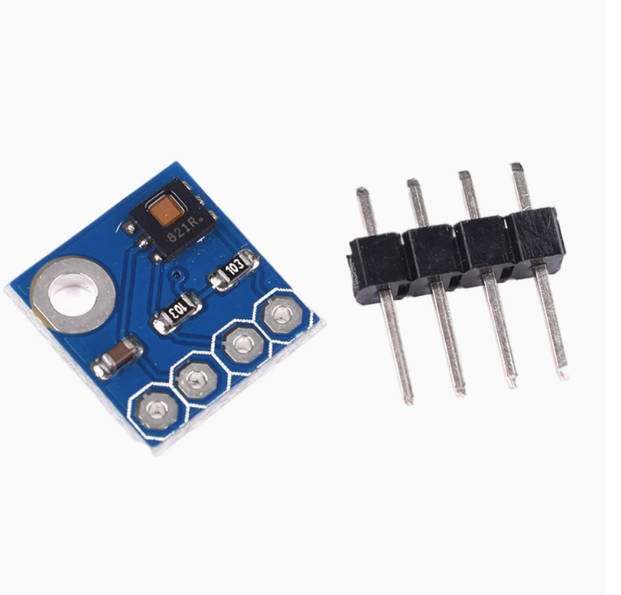
i2c:                                   //定义i2c总线
    sda: GPIO0                         //D3(本次接入IO)
    scl: GPIO2                         //D4(本次接入IO)
    scan: True                         //ic总线激活端口(可以激活后扫描不同的地址,接线方式可以多设备同端口并联也可以多设备不同端口串联)
sensor:                                //定义传感器
  - platform: hdc1080                  //传感器名称
    temperature:                       //传感器类型
      name: "Living Room Temperature"  //自定义实体
    humidity:                          //传感器类型
      name: "Living Room Humidity"     //自定义实体
    update_interval: 1s                //自定义刷新时间
Drive Details
充电详情
Drives - Dutch tax
不完整的数据
停车电量消耗 battery
充电曲线图 battery
充电曲线图(直流,按运营商) battery
充电统计(汇总) battery
充电记录 battery
充电费用统计 battery
当前充电状态 battery
当前驾驶状态 trip
时间线 tesla
最近车辆状态 tesla
最近车速统计 trip
概览 tesla
状态 tesla
电池健康度 battery
电量曲线图 battery
系统更新 tesla
续航曲线图 tesla
胎压 tesla
能效 tesla
行程列表 trip
行程统计(年月日) trip
行程统计(时间段) trip
行程统计(每次充电) trip
行程统计(汇总) trip
行程跟踪 trip
访问过的地点 trip
足迹地图 trip
车辆里程统计 trip