0.96寸OLED显示屏模块0.91 12864屏(IIC 总线)
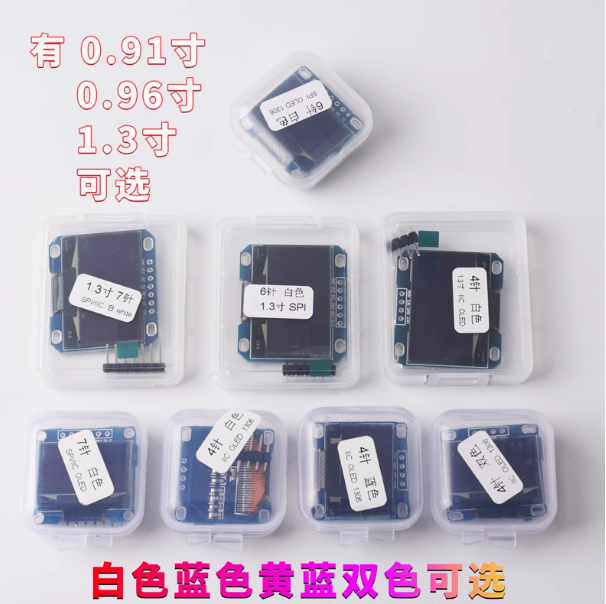
0.96寸OLED显示屏模块

i2c:                                    #定义i2c总线
    sda: GPIO4                          #D2
    scl: GPIO5                          #D1
    scan: True                          #ic总线激活端口(可以激活后扫描不同的地址,接线方式可以多设备同端口并联也可以多设备不同端口串联)
display:
  - platform: ssd1306_i2c
    model: "SH1106 128x64"
    reset_pin: GPIO16
    address: 0x3C                      #指定i2c总线地址(本次接入方式为并联,共用接线端口为:GPIO4 GPIO5,这个0x3C要到esphome.io去查询对应的i2c地址)
    rotation: 0                      #屏幕旋转角度
    lambda: |-                         #屏幕输出内容
      // Print "无忧花卉" in top center.
      it.printf(63, 0, id(font1), TextAlign::TOP_CENTER, "微存科技 WeiFix.Com");

      // Print time in HH:MM format
      it.strftime(127, 60, id(font2), TextAlign::BASELINE_RIGHT, "%H:%M", id(esptime).now());

      // Print temperature (from homeassistant sensor)
      if (id(temperature).has_state()) {
        it.printf(1, 15, id(font3), TextAlign::TOP_LEFT , "温度: %.1f°C", id(temperature).state);
      }

      // Print humidity (from homeassistant sensor)
      if (id(humidity).has_state()) {
        it.printf(1, 35, id(font3), TextAlign::TOP_LEFT , "湿度: %.0f%%", id(humidity).state);
      }

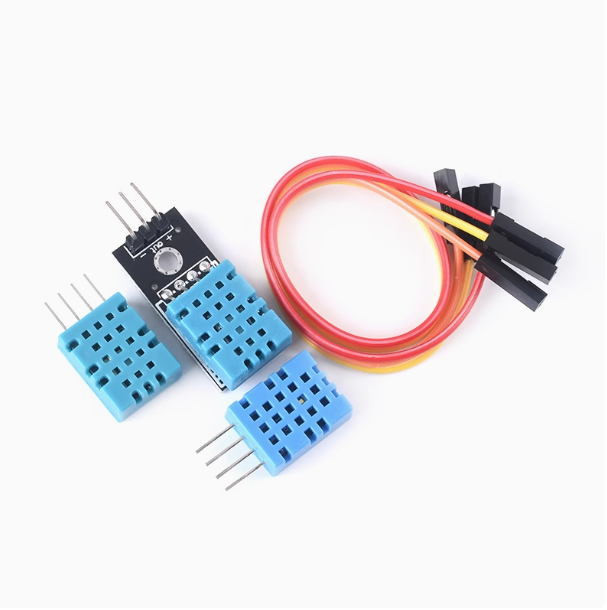
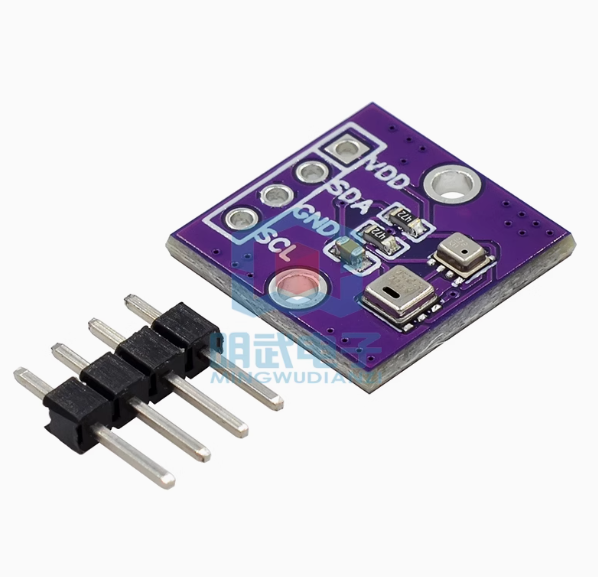
      // Print Illuminance (from homeassistant sensor)
      if (id(Illuminance).has_state()) {
        it.printf(1, 52, id(font3), TextAlign::TOP_LEFT , "照度: %.1fLx", id(Illuminance).state);
      }
output:                                //定义输出组件
                                       //下面定义模拟按下按键的输出IO    
  - platform: gpio
    pin: 05                            //使用的IO
    id: key1                           //定义下面button调用的id
    inverted: True
  - platform: gpio
    pin: 04  
    id: key2    
    inverted: True
button:                               //定义模拟按下的按键
  - platform: output
    name: "1 雾化开关"
    internal: false                  //定义是否仅内部使用,修改为true将不在ha界面中显示。
    output: key2                     //使用的输出id
    duration: 100ms                  //模拟按多久。         
  - platform: output
    name: "2 雾化连续选择"
    internal: false                 //定义是否仅内部使用,修改为true将不在ha界面中显示。
    output: key1                    //使用的输出id
    duration: 100ms                 //模拟按多久。

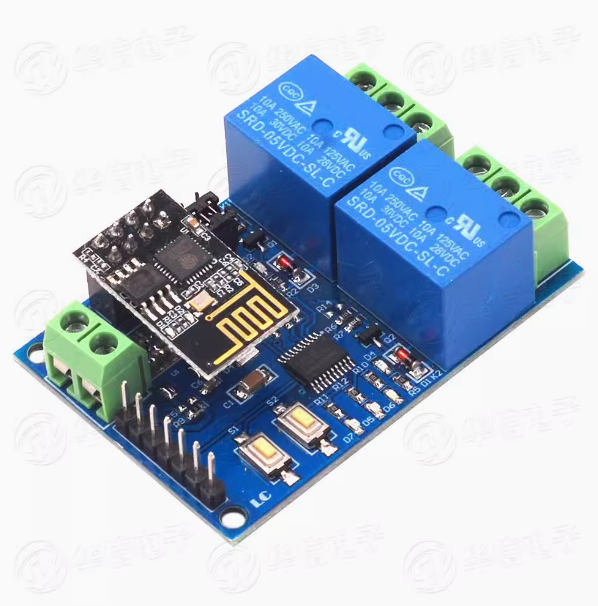
5V/12V ESP8266双路WiFi继电器(uart总线)

5V/12V ESP8266双路WiFi继电器


uart:                                    //定义uart总线
  baud_rate: 115200                      //定义uart波特率
  tx_pin: GPIO1                          //定义tx接入IO
  rx_pin: GPIO3                          //定义rx接入IO
 
  debug:
    direction: BOTH
    dummy_receiver: false
    after:
      delimiter: "\n"
    sequence:
      - lambda: UARTDebug::log_string(direction, bytes);

switch:                                 //定义开关
  - platform: template
    id: relay1                          //自定义开关ID(后面代码要用到)
    optimistic: false
    turn_on_action:
      - uart.write: [0xA0, 0x01, 0x01, 0xA2]
    turn_off_action:
      - uart.write: [0xA0, 0x01, 0x00, 0xA1]

  - platform: template                 //定义类型
    id: relay2                         //自定义开关ID(后面代码要用到)
    optimistic: true
    turn_on_action:
      - uart.write: [0xA0, 0x02, 0x01, 0xA3]
    turn_off_action:
      - uart.write: [0xA0, 0x02, 0x00, 0xA2]

  - platform: template                 //定义类型
    name: "FansPower"                  //自定义实体名称
    id: FansPower                      //自定义实体id
    turn_on_action:
    - switch.turn_on: relay1            
    turn_off_action:
    - switch.turn_off: relay1  

  - platform: template                 //定义类型
    name: "PTCPower"                   //自定义实体名称
    id: PTCPower                       //自定义实体id
    turn_on_action:
    - switch.turn_on: relay2
    turn_off_action:
    - switch.turn_off: relay2